Pressure, tilt and speed dynamics. Smoothing that keeps your line honest and prediction that keeps it under your finger. Watercolour that bleeds, markers that build up, textures that read like paper.
From “what if” to “I see it”.
A proof. A plant. A thought you can explain to someone else. Every picture here is the app on a real tablet, with the work drawn on the sheet.


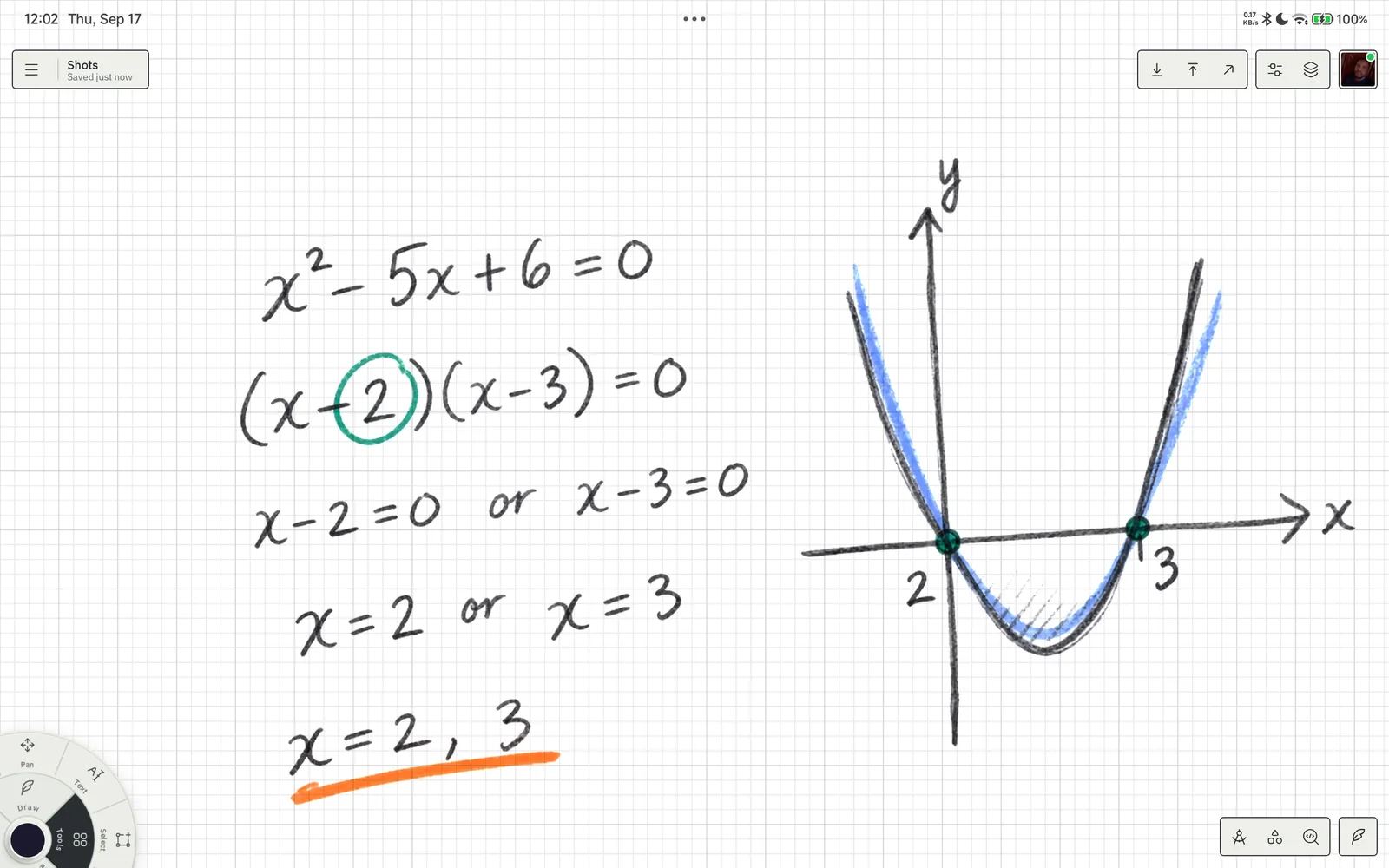
See the answer. Keep the working.
Factorise, sketch the curve, mark the roots. The working and the graph on one page, on the graph grid.
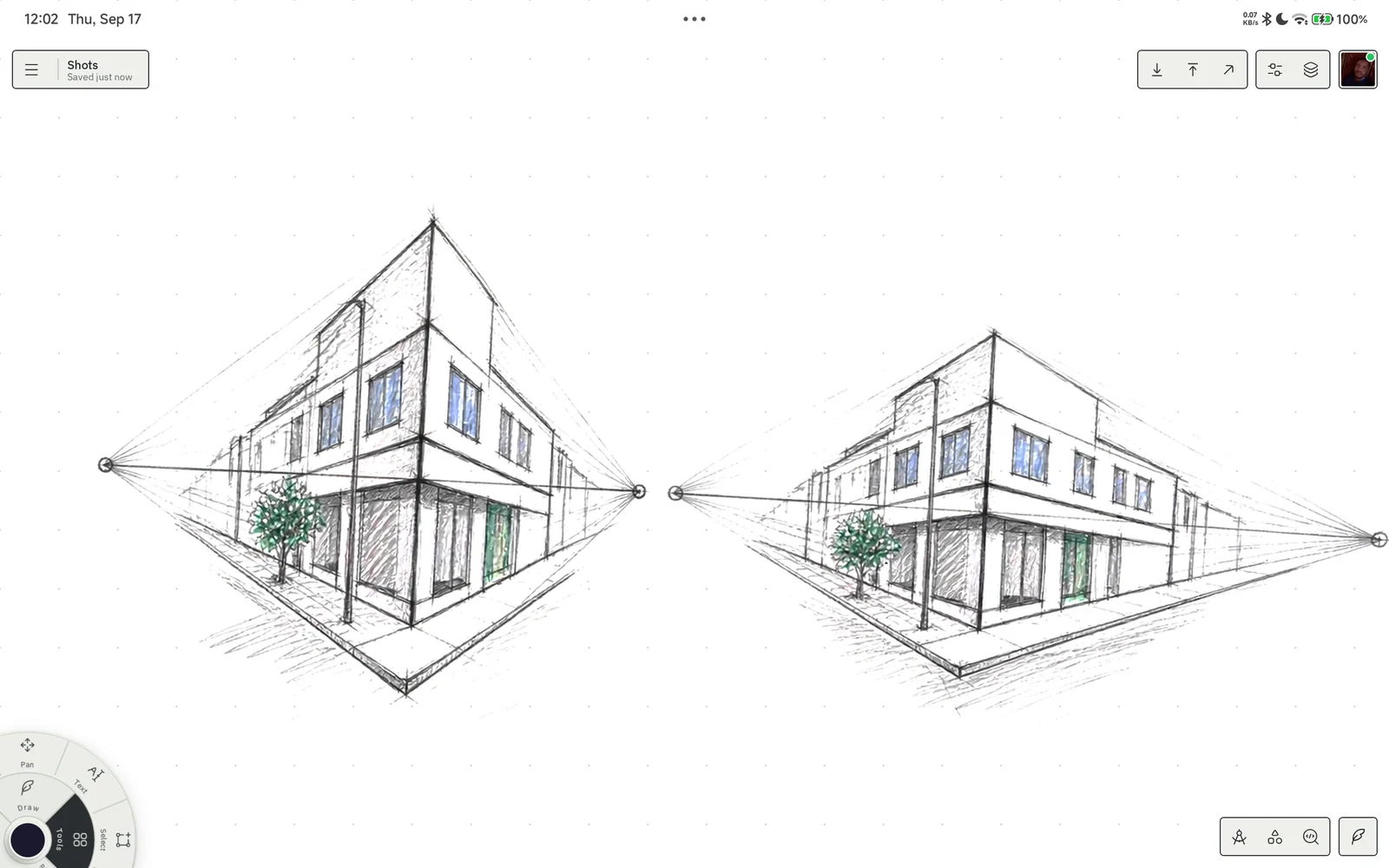
From a loose line to a precise idea.
Two-point perspective on the dot grid. Orthographic views on the isometric grid. A ruler that snaps.
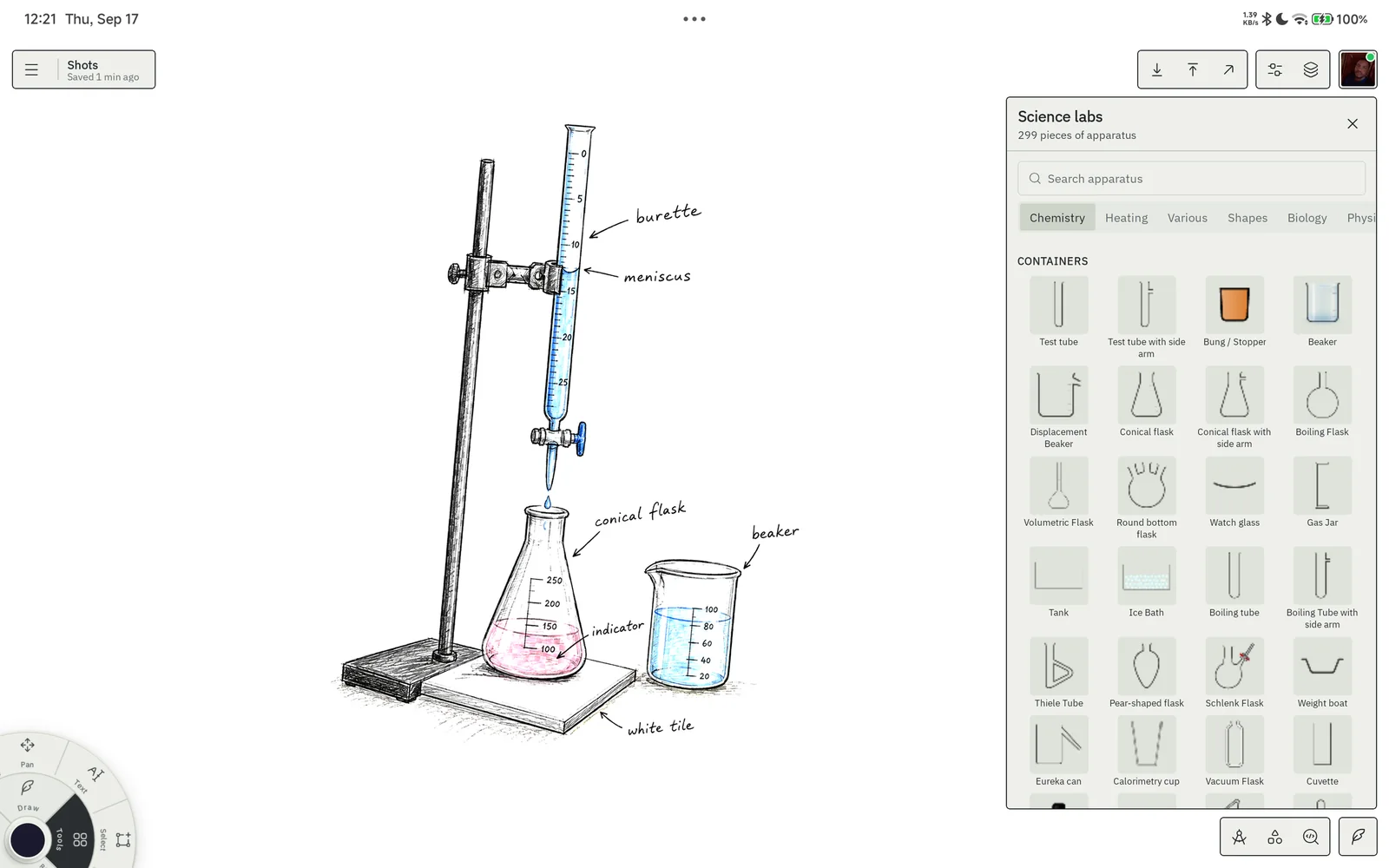
Draw it. Label it. Understand it.
Burette, flask, indicator, labelled by hand, with the real apparatus catalogue a tap away.
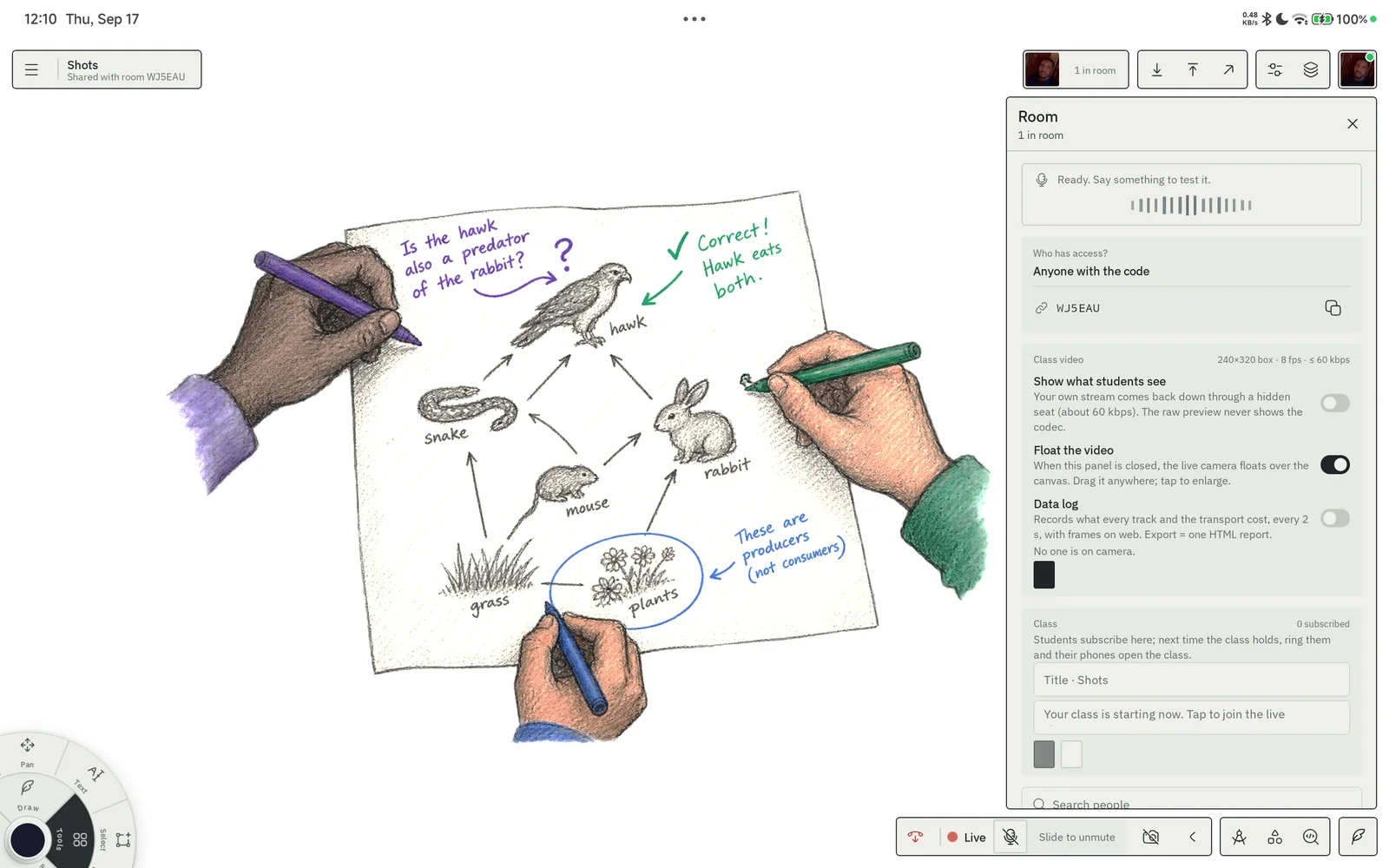
One thought, three points of view.
A teacher’s sketch becomes a shared explanation. Everyone in their own colour, live, with the room in their ears.
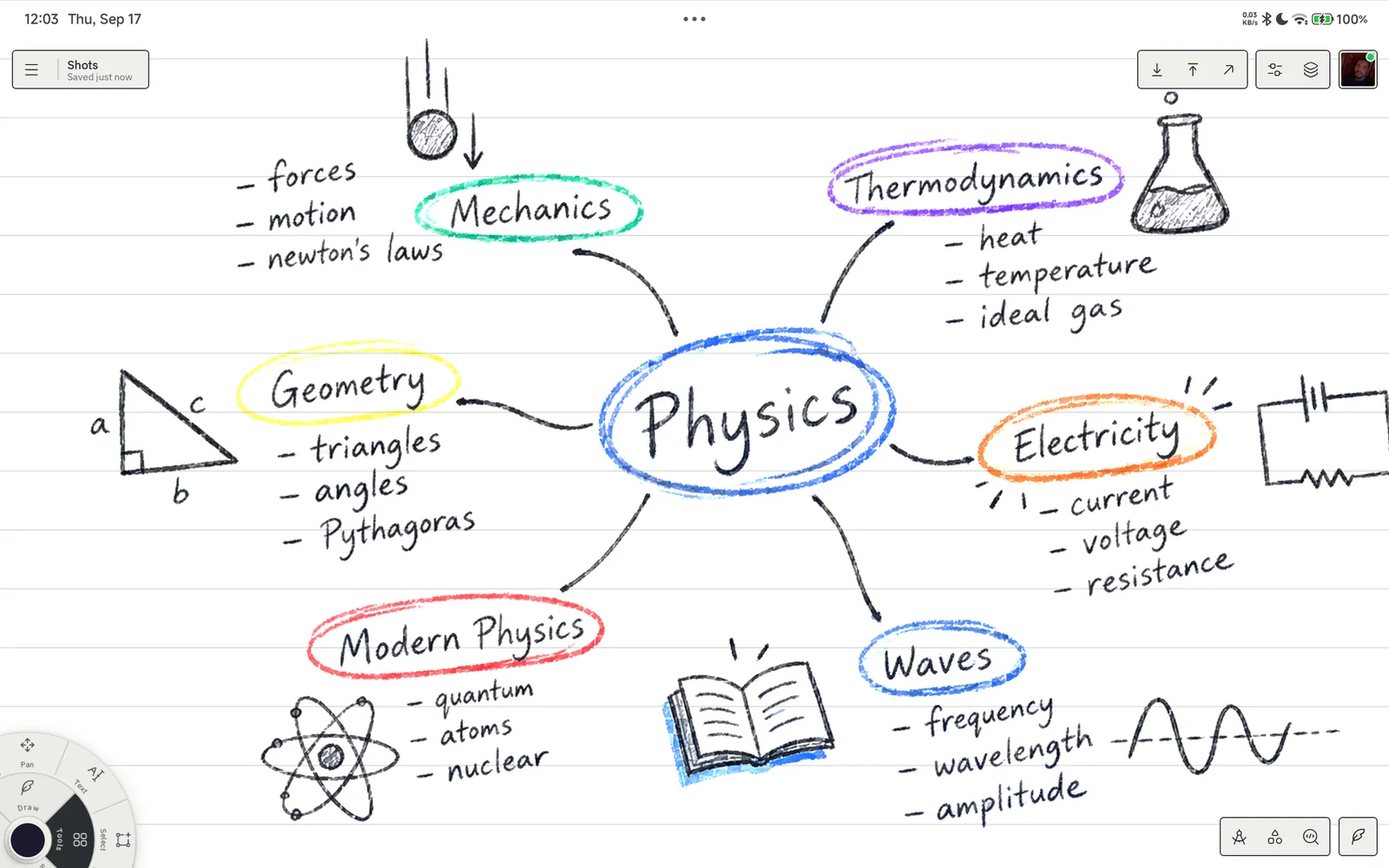
Let words and pictures meet.
A mind map that grows as you study, on the lined grid. Circle the centre, mark the branch that matters.
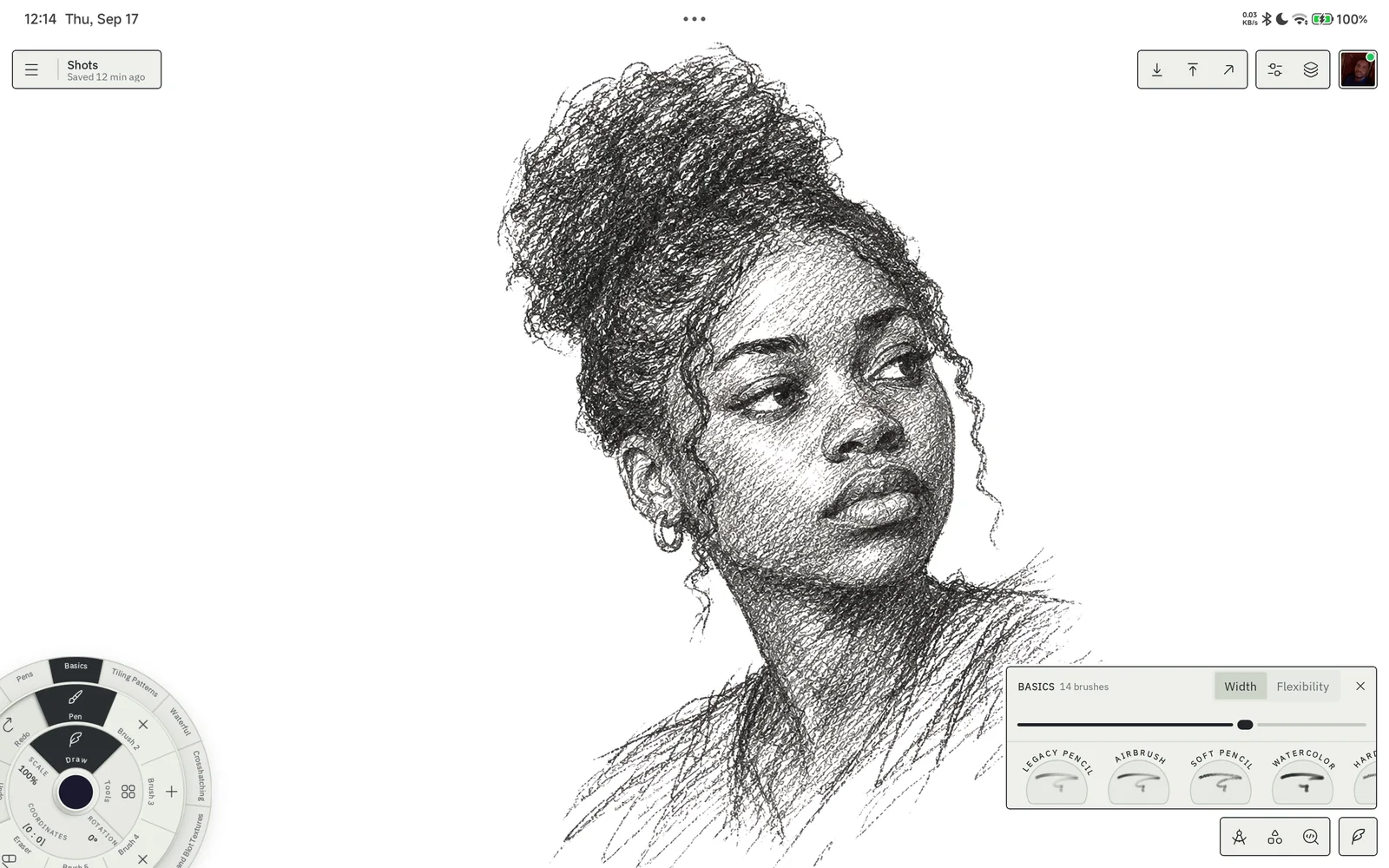
A place to practise seeing.
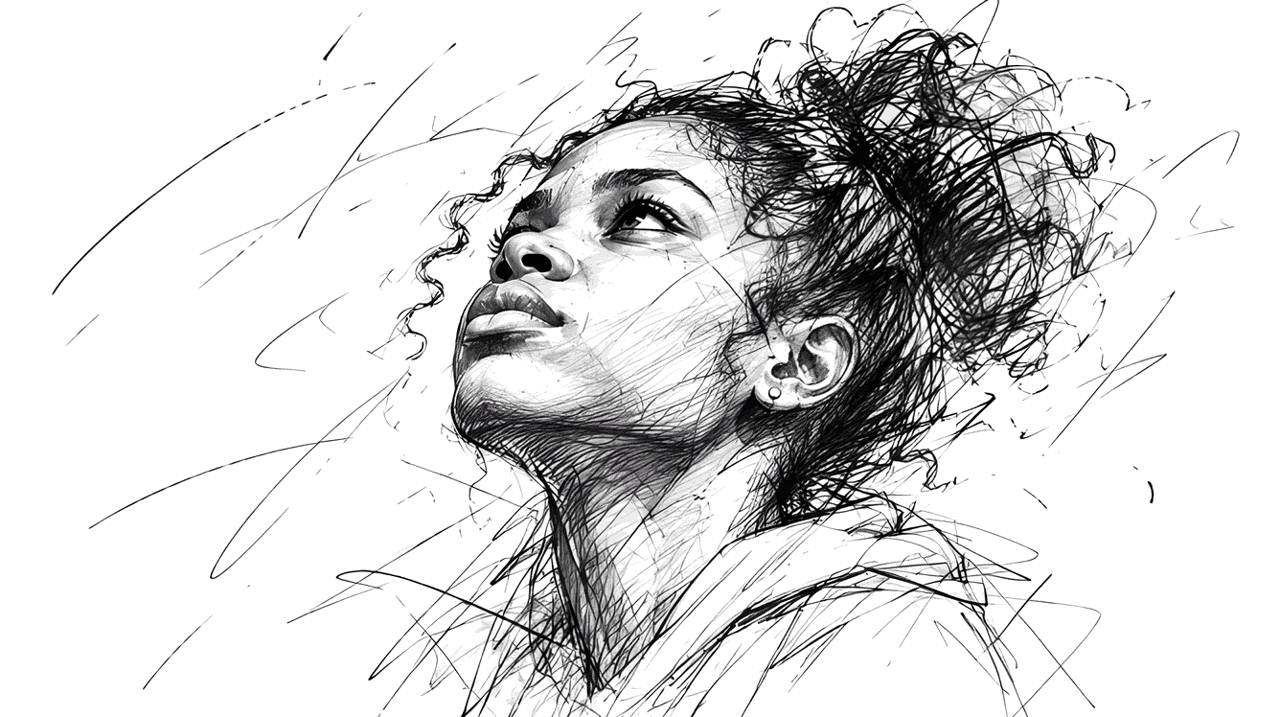
Pencil, pen, marker and watercolour from the Basics pack. Start rough, build it up, keep going.
A real ink engine, built for study.
One engine on your phone and your tablet, and soon on Windows. Your sheet looks and feels the same everywhere.
Unlimited layers with live thumbnails. Lasso or tap to select any stroke, move it, nudge it like wet paint, slice it apart. Undo everything.
A ruler cross and a protractor you can set to real radii, with the cm and degree readout on the sheet. Draw along the guide and the stroke snaps to it.
Type notes on the sheet, including proper mathematics with Greek and Cyrillic alphabets. Resize, recolour and move them like any other item.
Drop photos and diagrams onto the sheet and draw over them. Export any layer, the selection or the whole drawing as a crisp image, or share the drawing itself.
A drawings manager with folders and live previews. As a guest, your drawings stay on this device. Pro adds cloud sync across your devices.
Draw together. Talk while you do.
Go live and hand out an invite code. Everyone joins the same sheet, sees the same strokes, and hears the room.
- Push-to-talk voice, an open mic for the host, and a floating video tile for the teacher
- Follow mode: the class sees exactly what the host sees
- Room chat, direct messages and reactions that float up the sheet
- Subscribe to a class and get rung when it starts, like a call, where notification permissions allow
- Hosts own the room: mute, remove, lock what others may touch
How a class comes together
- 01Go live
The host opens a room.
- 02Share the code
Students join the same sheet.
- 03Think out loud
Draw, chat and use push-to-talk.
- 04Meet again
Ring subscribers when class starts.
Sit the test on the paper you think on.
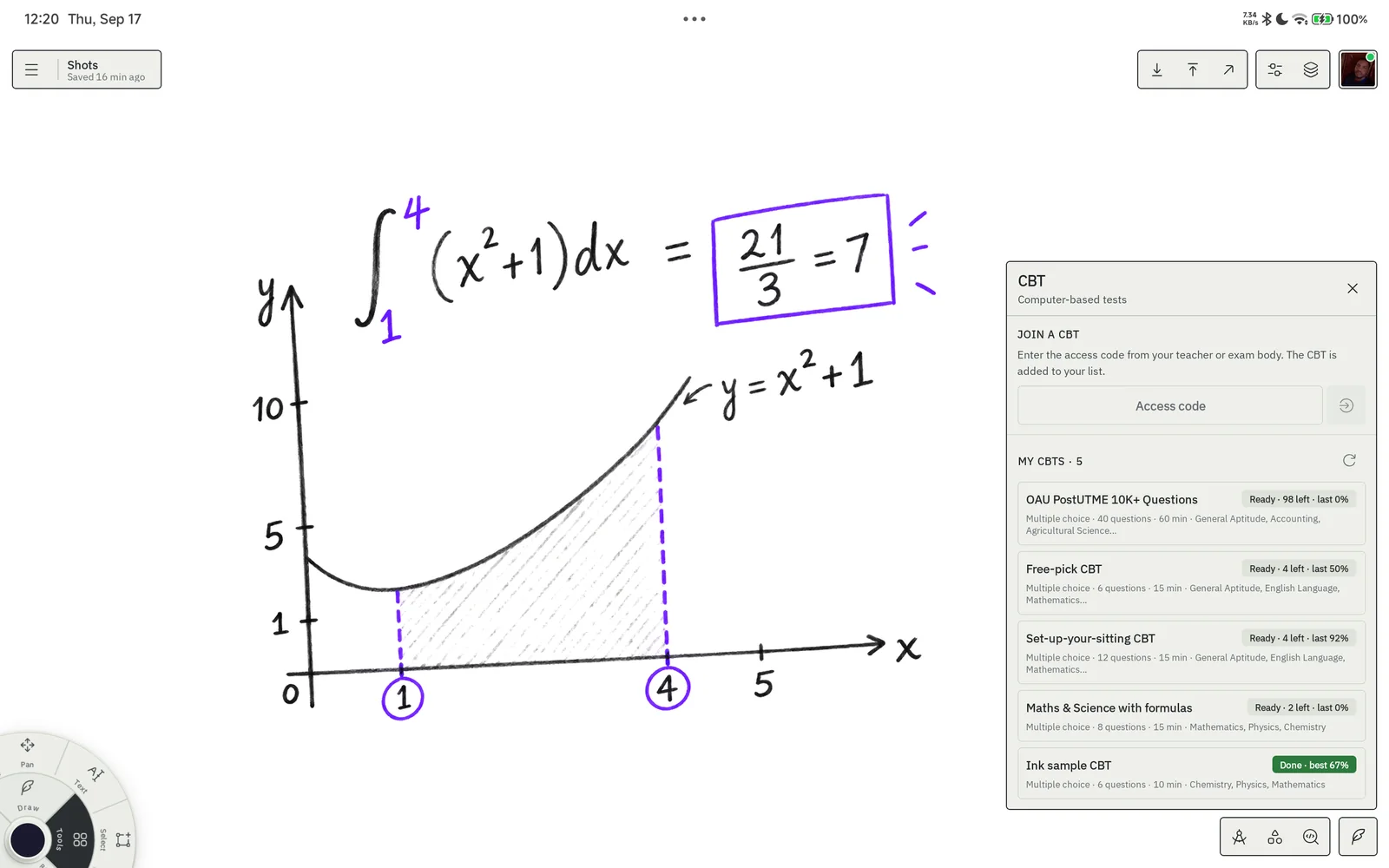
Computer-based tests run in a sidebar while the canvas stays open as rough paper. Enter the access code from your teacher or exam body and the paper, its subjects and its rules arrive on your sheet.
- Past questions from your exam body, by subject and by year, with explanations in review
- Set up your sitting: subject combination, questions per subject, time per question, shuffled questions and options
- Schools and exam bodies set up a CBT on ScholarsNode, set the rules and share one access code with their candidates
- Miss one and the AI tutor writes a fresh question on the same concept; short answers are marked for you
- Secure sittings follow the exam body’s rules; protection depends on the device and platform
Every tool, one thumb away.
The puck parks in a corner of the sheet and holds your brushes, your tools and your colour. Nothing else sits on the page. Try it: tap Draw or Tools, then a sector, then the dot.
A fountain pen in the first slot. Pressure and speed shape the line, and the ink keeps up with your hand.
Get ScholarsNode Ink.
The same engine on your phone and your tablet. The row for the device you are holding is marked.
Free to sketch. Pro to teach.
Pick the plan that fits how you work. Change or cancel any time. Prices are placeholders until payments open.
| Free | Pro | |
|---|---|---|
| Drawings on this device | ||
| Folders | Up to 5 | Unlimited |
| Brush packs | Basics and Tools | Every pack |
| Collab rooms and classes | Join | Host and ring your class |
| CBT sittings | Practice with the sample paper | Unlimited, with the AI tutor |
| Science labs | — | Every piece of apparatus |
| Cloud sync across devices | — |
A few useful answers.
Can I start without an account?
Yes, when guest mode is available. Guest drawings are stored on this device. Export a backup before clearing browser data or moving devices; Pro is the plan with cloud sync.
What works without a connection?
The native app ships with the Basics and Tools brush packs. Other packs download on first use. Rooms, voice, cloud sync and online exam services need a connection. The web app needs a connection to load.
Do I need a stylus?
You can draw with a finger or a mouse. A compatible stylus adds pressure and tilt information where your device supports it.
Who sets up a CBT?
Schools and exam bodies set up CBTs on ScholarsNode and share access codes. In ScholarsNode Ink, candidates enter the code, read the sitting’s rules and use the sheet for their working.
Can I take a secure sitting on any device?
Availability depends on the sitting’s security requirements and your platform. Check the instructions from your school or exam body and use a supported device.
Free on Google Play and in any browser. Sign in with Google to keep your sheets, or start as a guest.